

Student Login for Maze
Logging in to ALO – Student
There is a separate login page used for students who are taking the Acadience Reading Maze assessment. The student login page can be accessed by navigating to https://alo.acadiencelearning.org/login in a web browser and selecting the “Student Login” option.
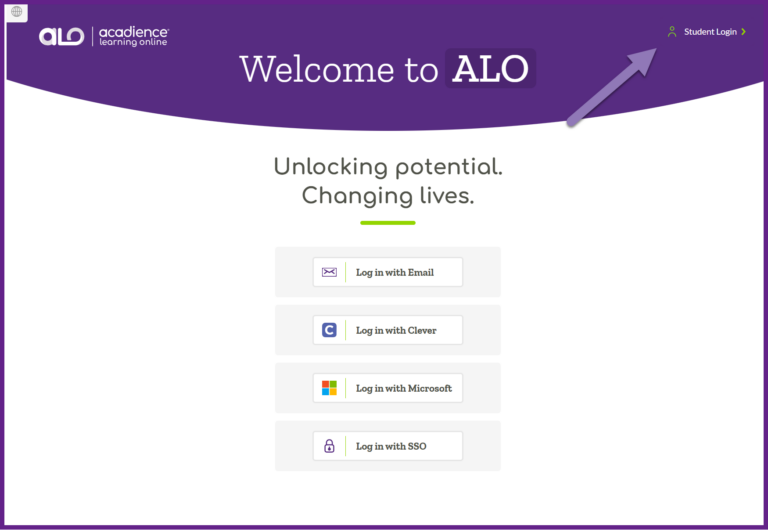
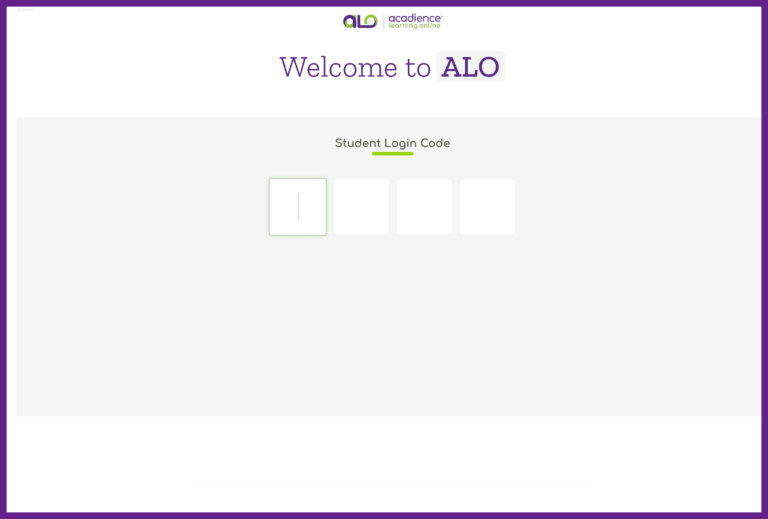
Students do not have specific login credentials for ALO, instead they use a code to access the section of ALO where they will complete the Maze measure. On the Student Login page, there is a space to enter a code provided by the assessor who is facilitating Maze testing.
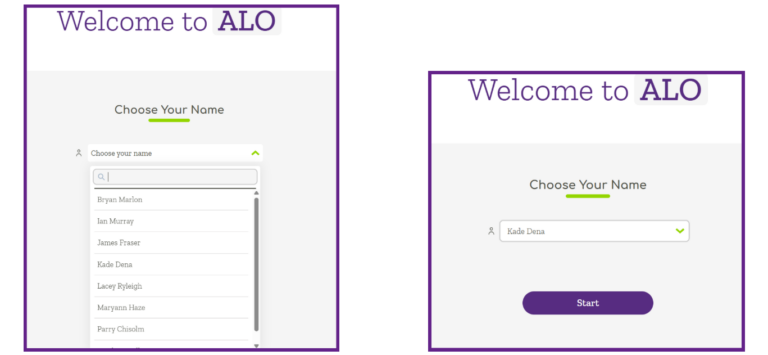
After students enter the code, they will select their name from a list to begin the Maze assessment.
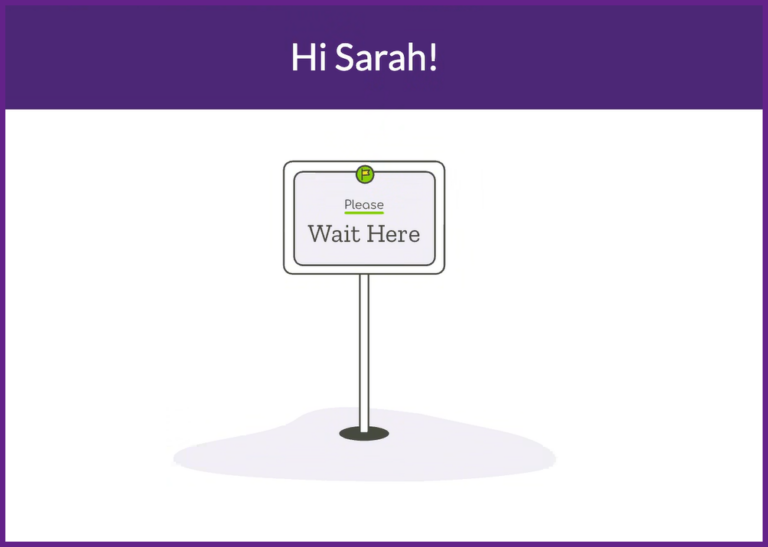
Students will remain on the “Wait Here” screen until you provide them with the next instruction.
Additional information on facilitating Maze assessments can be found in this article.